
AI Tools for Contractors in 2026: What Actually Works (And What's Hype) | Projul
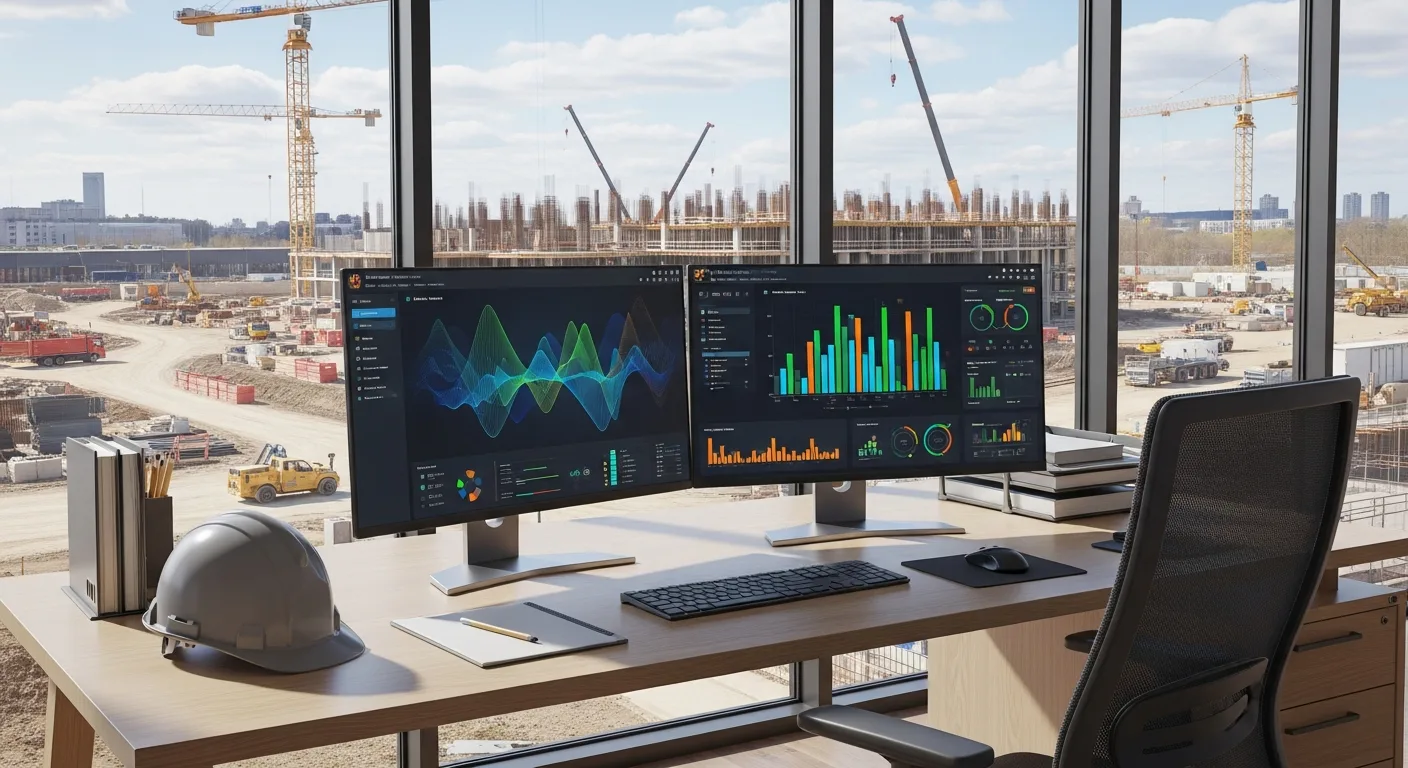
Every trade show in 2025 and 2026 has been packed with vendors promising that artificial intelligence will change everything about how you run your business. Some of those promises are real. Many of them are not.
This guide cuts through the noise. We will look at the AI tools that are actually delivering value for contractors right now, the ones that are still more promise than product, and how to evaluate whether any given AI tool is worth your time and money.
The State of AI in Construction: 2026 Reality Check
Construction has historically been slow to adopt new technology. There are good reasons for that. The work is physical, every project is different, and the consequences of getting things wrong are serious. A software bug in a scheduling app is annoying. A structural failure is catastrophic.
That said, AI adoption in construction has accelerated significantly over the past two years. The tools have gotten better, the interfaces have gotten simpler, and early adopters are starting to show measurable results. We are past the “interesting demo” phase and into the “this actually works on real projects” phase for several categories.
But not all categories. Some AI applications in construction are genuinely useful today. Others are still experimental. And a few are mostly marketing buzzwords wrapped around basic automation. Knowing the difference saves you money and frustration.
AI Estimating: The Biggest Win Right Now
If there is one area where AI is delivering clear, measurable value for contractors in 2026, it is estimating. This is where the technology has the most mature products and the easiest-to-prove ROI.
What AI Estimating Does Well
Quantity takeoffs. AI-powered takeoff tools can scan blueprints and automatically count doors, windows, fixtures, linear feet of pipe, square footage of drywall, and hundreds of other quantities. What used to take an estimator hours now takes minutes.
The accuracy has improved dramatically. The best tools are consistently within a few percentage points of manual counts, and they catch items that human estimators sometimes miss, especially on large, complex plans.
Historical pricing. AI tools that are connected to your past project data can suggest pricing based on what similar work actually cost you before. This is more useful than published cost databases because it reflects your specific labor rates, material suppliers, and local market conditions.
Bid analysis. Some AI tools can analyze your win/loss history and identify patterns. Maybe you consistently win residential projects under $500,000 but lose commercial bids over $2 million. That kind of insight helps you focus on the work where you have the best margins.
What AI Estimating Still Struggles With
Unusual conditions. AI works by recognizing patterns. When a project has genuinely unusual conditions, like a renovation inside an active hospital or a site with severe access restrictions, the AI may not account for the extra complexity. You still need experienced estimators to catch these situations.
Subcontractor pricing. AI can suggest pricing based on historical data, but it cannot call your subs and get current quotes. The relationship-driven part of estimating is still very much a human job.
Scope interpretation. Reading between the lines of an architect’s notes, understanding what is included versus excluded, and catching ambiguities in the specs requires judgment that AI does not have yet.
Tools Worth Looking At
Several AI estimating platforms have proven themselves in the field. Look for tools that offer plan digitization with automatic quantity extraction, integration with your existing cost databases, and the ability to learn from your historical project data. The ones connected to major construction management platforms tend to be the most practical because your data flows directly into your project workflow.
AI Scheduling: Getting Smarter, Not Perfect
AI scheduling tools have improved significantly, but they are not as far along as AI estimating. The challenge is that construction schedules involve a massive number of variables: weather, crew availability, material deliveries, inspections, subcontractor coordination, and the unpredictable nature of field conditions.
What AI Scheduling Does Well
Pattern recognition. AI can look at your past projects and identify how long specific activities actually took versus how long they were scheduled to take. Over time, this helps you build more realistic schedules.
Conflict detection. AI is excellent at spotting scheduling conflicts that humans might miss: two trades scheduled in the same space, a task scheduled before its predecessor is complete, or a delivery arriving after the crew that needs it has already mobilized.
What-if analysis. Good AI scheduling tools let you model scenarios quickly. What happens if the concrete pour gets pushed back three days? The AI can cascade the impacts through the entire schedule in seconds, showing you exactly which downstream tasks are affected.
What AI Scheduling Still Struggles With
Real-time field conditions. A rain delay, an injury, a failed inspection, or a sub who no-shows all require immediate human judgment. AI can help you replan after the disruption, but it cannot manage the moment-to-moment decisions on site.
Crew dynamics. AI does not know that your best finish carpenter is also coaching his kid’s baseball team on Tuesdays, or that two of your foremen do not work well together. The human factors in scheduling are still firmly in human territory.
Complex dependencies. While AI handles straightforward finish-to-start relationships well, the nuanced dependencies in construction (this task can start when the other is 60% complete, but only if the inspector is available and the material has cured for 72 hours) still require human oversight.
Where Scheduling AI Adds the Most Value
The sweet spot for AI scheduling is on medium to large projects with lots of moving parts. If you are running a simple room addition, a spreadsheet or basic scheduling tool works fine. But when you are coordinating 15 subcontractors across a 12-month commercial project, AI scheduling tools can save your project manager hours of planning time each week.
AI Photo Documentation: Surprisingly Useful
This is a category that has gone from “interesting concept” to “genuinely practical” faster than most people expected. AI-powered photo documentation tools are being used by thousands of contractors, and the results are impressive.
How It Works
These tools use AI to automatically organize, tag, and analyze photos taken on the jobsite. Instead of a camera roll with 500 unorganized photos, you get images sorted by location, date, trade, and even specific elements like electrical panels, framing, or finish work.
What Makes It Valuable
Progress tracking. AI can compare photos from different dates and highlight what has changed. This is useful for progress reporting, owner updates, and documentation for payment applications.
Issue detection. Some tools can identify potential problems in photos: exposed wiring, missing fire stopping, incorrect installations, or safety violations. This is not a replacement for a trained superintendent, but it is a helpful second set of eyes.
Dispute documentation. When a disagreement arises about what was installed or when, having automatically timestamped, geotagged, and AI-organized photos is powerful evidence.
Punch list automation. Point your camera at a room, and some AI tools can automatically generate punch list items based on what they see. The accuracy is not perfect, but it is getting better with each update.
The Practical Reality
Photo documentation AI works best as a supplement to your existing processes, not a replacement. The AI catches things you might miss and organizes images far better than any human would. But it still requires someone to take the photos, review the AI’s analysis, and make decisions based on what it finds.
AI Chatbots and Virtual Assistants: Mixed Results
This is the category with the widest gap between marketing promises and actual usefulness.
What Works
Internal knowledge bases. Chatbots that are trained on your company’s specific documents, safety manuals, specifications, and procedures can be genuinely useful. When a foreman in the field needs to check the spec on a particular material or find the right safety procedure for a specific task, asking a chatbot is faster than digging through binders or calling the office.
Customer communication. Simple chatbots on your website that answer common questions (Do you serve my area? What types of work do you do? How do I request a quote?) can handle basic inquiries and free up your office staff.
What Does Not Work (Yet)
Complex project questions. Asking a chatbot “What is the status of the Johnson renovation?” and expecting a reliable, nuanced answer is still a stretch. The chatbot might pull data from your project management system, but interpreting that data in context requires understanding that current AI lacks.
Decision making. Any chatbot that claims to help you make project decisions should be viewed with heavy skepticism. AI can present data. It should not be making calls about change orders, crew assignments, or budget reallocations.
Replacing human communication. The construction industry runs on relationships. Sending a chatbot response to a frustrated homeowner or a subcontractor with a payment question is a fast way to damage those relationships.
Voice Assistants on the Jobsite
Voice-controlled AI is an appealing concept for construction. Your hands are full, you are wearing gloves, and pulling out a phone to type is inconvenient. Several companies are building voice assistants specifically for construction workers.
Current State
The technology works reasonably well for simple commands: logging hours, creating a quick note, adding an item to a punch list, or dictating a daily report. Voice recognition has improved enough that it can handle construction terminology and noisy environments better than it could even a year ago.
Limitations
Background noise on a construction site is still a challenge. A jackhammer, a table saw, or a diesel engine can make voice commands unreliable. Most voice assistants also struggle with heavy accents or speakers switching between English and Spanish, which is common on many jobsites.
The real test for voice assistants is whether they save enough time to justify the learning curve and occasional misinterpretation. For some tasks, they clearly do. For others, it is still faster to pull out your phone and tap a few buttons.
Sorting Hype from Reality: A Framework
With dozens of AI tools competing for your attention (and your money), you need a way to evaluate which ones are worth trying. Here is a practical framework:
Ask These Questions
What specific problem does this solve? If the vendor cannot name a specific, measurable problem their tool addresses, it is probably hype. “Helps you work smarter” is not a specific problem. “Reduces takeoff time by 60%” is.
Can I see results from contractors like me? Case studies from a $500 million GC are not relevant if you are a $3 million specialty contractor. Ask for examples from companies your size, in your trade, in your market.
What data does it need to work? AI tools that require months of historical data before they become useful are fine, as long as you know that upfront. Be wary of tools that promise instant results with no setup.
What happens when it is wrong? Every AI tool makes mistakes. The important question is: what are the consequences of a wrong output, and how easy is it to catch errors before they cause problems?
How does it integrate with my existing tools? An AI tool that lives in its own silo creates more work, not less. Look for tools that plug into your current project management, estimating, and scheduling software.
Red Flags
- Vendors who cannot explain how their AI works in simple terms
- Claims of “100% accuracy” or “fully autonomous” operation
- No option for a free trial or pilot period
- Pricing that requires a long-term contract before you see results
- No clear data privacy policy
Green Flags
- Specific, measurable claims backed by customer references
- Free trial or pilot program with real project data
- Clear explanation of what the AI does and does not do
- Strong integration with existing construction software
- Transparent pricing with monthly options
What Delivers Real ROI Right Now
Based on what we are seeing from contractors across the industry, here is a ranked list of AI applications by current ROI potential:
High ROI (proven and practical):
- AI quantity takeoffs and estimating
- AI photo documentation and organization
- AI-powered safety monitoring (camera-based)
Medium ROI (useful but still maturing): 4. AI scheduling assistance 5. Internal knowledge base chatbots 6. AI-powered equipment maintenance prediction
Low ROI (early stage or overhyped): 7. Fully autonomous scheduling 8. AI-driven design suggestions 9. General-purpose construction chatbots 10. AI project management “copilots”
Getting Started Without Getting Burned
If you are ready to try AI tools in your operation, here is a practical path:
Step 1: Pick one problem. Do not try to add AI everywhere at once. Choose the area where you spend the most time or lose the most money. For most contractors, that is estimating.
Step 2: Research three to five tools. Look at reviews from other contractors, not just the vendor’s website. Ask your peers what they are using.
Step 3: Run a pilot. Test the tool on a real project alongside your existing process. Compare the results. Did the AI save time? Was it accurate? Did your team actually use it?
Step 4: Measure results. Track specific metrics: hours saved, error rates, cost accuracy. If you cannot measure the improvement, you cannot justify the investment.
Step 5: Scale or move on. If the pilot works, roll it out to the rest of your team with proper training. If it does not, try a different tool or revisit the category in six months. The technology is improving fast.
The Human Side of AI Adoption
The biggest barrier to AI adoption in construction is not the technology. It is people. Your estimators, project managers, and field crews have built their skills over years or decades. Telling them that a computer can do part of their job faster is not always a welcome message.
The contractors who succeed with AI adoption frame it correctly: AI handles the tedious, repetitive parts of the job so that skilled people can focus on the parts that require experience and judgment. An estimator who spends less time counting doors on blueprints has more time to analyze the project, talk to subcontractors, and develop a winning bid strategy.
Training matters. Support matters. And patience matters. Give your team time to learn the tools, make mistakes, and build confidence. Rushing AI adoption creates resistance that is hard to undo.
Looking Ahead
AI in construction is moving fast. Tools that are experimental today will be standard in two to three years. The contractors who start building their AI literacy now will have a significant advantage as the technology matures.
But do not let the hype push you into buying tools you do not need or cannot use effectively. Start with proven applications, measure your results, and expand from there.
The goal is not to have the most AI tools. The goal is to build better projects, faster, with fewer errors and higher margins. AI is one way to get there, but only when it is applied thoughtfully.
If you are looking for a construction management platform that connects your estimating, scheduling, and project data in one place, making it easier to feed AI tools with the data they need, check out Projul. It is built for contractors who want to run a tighter operation without adding unnecessary complexity.
Frequently Asked Questions
Are AI tools worth the investment for small contractors?
Will AI replace estimators and project managers?
How accurate is AI estimating in 2026?
What data do AI tools need to work well?
Is my project data safe with AI tools?
What is the biggest mistake contractors make with AI tools?
How do I get my team to actually use AI tools?
Which AI tools integrate with construction management software?
Related Articles

BIM Clash Detection: How to Catch Conflicts Before They Cost You on the Jobsite
BIM Clash Detection: How to Catch Conflicts Before They Cost You on the Jobsite Every contractor has a story about the...
Read More →
Asphalt Paving and Compaction Guide: Mix Types, Laydown Temperatures, and Quality Testing
Asphalt paving looks straightforward from a distance. A truck dumps material, the paver lays it down, and rollers...
Read More →
Construction Jobsite Wi-Fi & Connectivity Guide: Setting Up Reliable Internet in the Field
A practical guide to getting reliable internet on construction job sites. Learn about cellular hotspots, mesh networks,...
Read More →