
Managing Construction Projects Across Multiple States: Software That Keeps Up | Projul
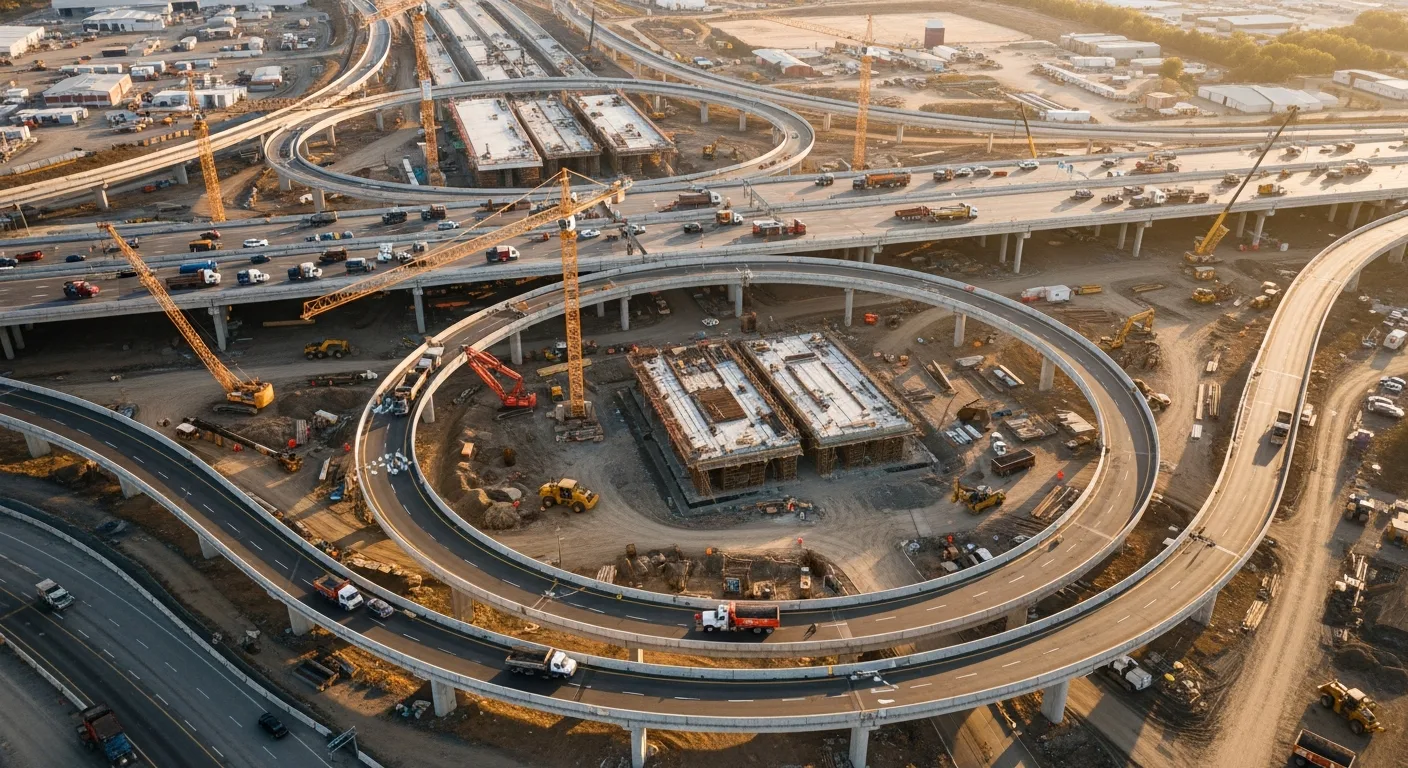
Running construction projects in one state is complicated enough. Running them across state lines adds layers of tax rules, licensing headaches, crew logistics, and compliance requirements that can bury you if you don’t have the right systems.
And yet, multi-state work is where the growth is for a lot of contractors. You’ve got a great reputation in your home market, a neighboring state has more demand than local contractors can handle, and suddenly you’re managing projects in three states with one overworked office manager trying to keep it all straight.
This guide covers what multi-state construction companies actually need from their software, how to avoid the most common problems, and what to look for when your current setup isn’t keeping up.
Why Single-State Software Falls Apart Across State Lines
Most construction software is built with the assumption that you’re working in one state. Your tax rates are fixed, your licensing is straightforward, your crew works within driving distance, and your pricing stays roughly consistent.
The moment you cross a state line, those assumptions break.
Tax rates change. Sales tax, use tax, equipment tax, and contractor-specific taxes vary by state and sometimes by county or city. An estimate that’s accurate in Arizona might be wrong in Nevada if you’re using flat tax assumptions.
Licensing requirements differ. Some states require general contractor licenses. Others have specialty-specific licenses. Reciprocity agreements between states have different rules. And every license has its own renewal date, CE requirements, and fees.
Labor costs vary. Prevailing wage rates, overtime rules, and union requirements change by state. Your estimating templates from Texas won’t give you accurate numbers for a project in California.
Compliance rules multiply. OSHA standards are federal, but states add their own safety requirements, reporting obligations, and inspection processes. Miss one and you’re looking at fines or project delays.
Software that can’t handle these variations forces you to manage them manually, which means spreadsheets, sticky notes, and late nights hoping you didn’t forget something.
The Core Software Needs for Multi-State Contractors
Let’s walk through what your platform needs to handle when you’re working across multiple states.
State-Specific Tax Configuration
Your software should support multiple tax profiles that apply based on project location. When you create an estimate for a job in Colorado, Colorado tax rates should apply automatically. When you invoice a project in Utah, Utah rates kick in.
This sounds basic, but a surprising number of platforms either hardcode a single tax rate or make you manually override it every time. That’s a recipe for billing errors, and billing errors in multi-state work can trigger audits.
The best setup lets you define tax profiles by state (or even by county and municipality for states with local taxes), assign them to projects based on location, and have those rates flow through from estimating to invoicing to reporting.
Centralized Licensing and Document Management
When you’re licensed in five states, you’re tracking at minimum five different license numbers, expiration dates, renewal processes, and continuing education requirements. Add specialty licenses, business registrations, and insurance certificates, and you’ve got a document management problem.
Your software should give you one place to store all of these documents, organized by state and type, with automatic reminders before anything expires. The last thing you want is to find out your license lapsed in a state where you have an active project because the renewal notice went to the wrong email.
Some contractors use a separate document management system for this. That works, but it’s better when it’s built into your project management platform so you can quickly verify compliance status before bidding on work in a specific state.
Multi-Region Estimating
Your estimating tool needs to account for regional pricing differences. Material costs, labor rates, equipment rental prices, and subcontractor rates all vary by market.
The practical way to handle this is with region-specific pricing databases or cost modifiers. If lumber costs 15% more in your Pacific Northwest projects than your Southwest projects, your estimates should reflect that without you rebuilding every template from scratch.
Look for software that lets you create base templates and then apply regional adjustments. This keeps your estimating process consistent while producing accurate numbers for each market.
Crew Scheduling Across Locations
When your crews work in multiple states, scheduling gets complicated fast. You need to know:
- Which crews are available and where they’re currently located
- Travel time and costs between project locations
- Per diem and lodging requirements for out-of-state work
- How long each crew is committed to their current project
- Upcoming projects that need crew deployment
A visual scheduling tool that shows all projects, all crews, and all locations on one screen is essential. If you’re flipping between separate schedules for each state, you’ll miss conflicts and waste money on unnecessary crew movements.
GPS-enabled time tracking adds another layer of visibility. You can verify that crews are where they’re supposed to be and track actual time on site versus travel time. This data is valuable for job costing and for planning future multi-state projects.
Travel and Expense Management
Out-of-state work comes with extra costs: fuel, lodging, per diem, tool transport, and sometimes higher insurance premiums. These costs need to be tracked against specific projects so your job costing stays accurate.
If you’re eating $500 per week in hotel costs for a three-month project in another state, that’s $6,000 that better be accounted for in your project budget. Software that ties expenses to specific jobs keeps these numbers visible instead of buried in a general overhead category.
Mobile expense tracking is particularly useful here. Crew members on the road can snap photos of receipts, categorize expenses, and assign them to the right project from their phone. No more shoeboxes of gas station receipts.
Centralized Reporting with Regional Breakdowns
Management needs to see the big picture: total revenue, total costs, total profitability across all states. But they also need to drill down by region.
Is your Colorado operation more profitable than your New Mexico work? Are material costs trending up in one market but not another? Which states generate the most leads but the lowest close rates?
Your reporting should support both consolidated views and filtered views by state or region. This data drives expansion decisions, pricing adjustments, and resource allocation.
For tax purposes, you’ll also need revenue and expense breakdowns by state for filing in each jurisdiction. Software that can generate these reports saves your accountant hours and reduces the risk of filing errors.
Common Pitfalls in Multi-State Construction Management
Running Separate Systems Per State
Some companies set up separate software accounts or instances for each state they operate in. This seems logical at first, but it creates problems fast.
You lose the ability to see all projects in one view. Scheduling conflicts between states become invisible. Financial reporting requires manual consolidation. And you’re paying for multiple subscriptions when one should do the job.
One platform, one account, with multi-state capabilities built in. That’s the goal.
Ignoring State-Specific Compliance Until It’s a Problem
It’s easy to assume that the rules in your home state apply everywhere. They don’t. Worker classification rules, safety reporting requirements, lien law procedures, and payment timelines vary significantly.
Your software won’t know every state’s specific regulations, but it should give you a framework for tracking compliance tasks by project location. Custom checklists, document requirements, and deadline tracking per state keep you from learning the hard way that California has different notice requirements than Texas.
Underestimating Travel Costs in Estimates
New multi-state contractors often bid out-of-state work using their local cost structures and add a small travel allowance. Then reality hits. Crew travel days are expensive. Hotels in some markets are double what you expected. Fuel costs for moving equipment add up.
Your estimating process should include a standard travel and mobilization section for out-of-state work. Build it into your templates so it’s never forgotten. Over time, actual cost data from your project management software will help you refine these estimates.
Failing to Track State-Level Profitability
“We’re making money overall” isn’t good enough when you’re working in five states. One profitable market can mask an unprofitable one for months. By the time you notice, you’ve lost significant money on projects you should have priced differently or skipped entirely.
Regular profitability reviews by state, at least quarterly, keep you honest about which markets are working and which need attention.
Building Your Multi-State Workflow
Here’s a practical framework for managing multi-state operations with the right software.
Before You Enter a New State
- Research licensing requirements and apply early. Store all documentation in your software’s document management system with expiration reminders.
- Set up a state-specific tax profile in your estimating and billing tools.
- Research local material costs, labor rates, and subcontractor pricing. Update your estimating templates or create regional versions.
- Identify any state-specific compliance requirements and create checklists.
- Calculate standard travel and mobilization costs for crews deploying to that state.
During Active Projects
- Schedule crews using a centralized calendar that shows all states.
- Track time with GPS-enabled tools that capture location data.
- Log travel expenses against specific projects in real time.
- Use state-appropriate tax rates on all billing.
- Monitor project progress across all locations from a single dashboard.
- Store all project documents, permits, and inspection records in the project file.
Monthly and Quarterly Reviews
- Pull profitability reports filtered by state.
- Compare estimated versus actual travel costs.
- Review upcoming license and insurance renewals.
- Assess crew utilization across regions and adjust deployment.
- Update regional pricing databases based on actual cost data.
Communication Across Distances
Multi-state work amplifies communication challenges. Your project manager in Ohio can’t walk across the parking lot to talk to the superintendent in Pennsylvania. Everything has to work digitally.
Your software should support:
Project-level messaging that keeps conversations organized by job, not scattered across text threads and email chains.
Photo and document sharing that’s tied to specific projects and accessible from anywhere.
Daily logs that remote project managers and home office staff can review without being on site.
Client-facing updates that maintain the same professional communication standard regardless of which state the project is in.
When communication breaks down in multi-state work, problems escalate faster because you can’t just drive to the site and sort it out. Keeping everything in one platform with clear project-level organization reduces those breakdowns.
Technology for the Field
Your crews in the field need mobile tools that work reliably regardless of location. This means:
Offline capability. Cell service isn’t guaranteed on every job site in every state. Your mobile app should let crew members log time, take photos, and update tasks even without connectivity, then sync when they’re back online.
Simple interfaces. The crew member who barely uses a smartphone needs to clock in and check the schedule without a tutorial. If the mobile experience is complicated, field adoption drops, and you lose the data you need.
GPS time tracking. This serves double duty: verifying crew locations for accountability and providing data for travel cost analysis.
When to Expand Your Software Stack
There’s a point where a single platform might not cover every need of a large multi-state operation. Here’s how to think about when to add specialized tools.
Stick with one platform when it handles your project management, estimating, scheduling, and basic financial tracking well across all states. Most contractors with operations in two to five states can run everything from one good platform.
Add specialized tools when you need deep capabilities in a specific area, like advanced multi-state payroll processing, dedicated fleet management for a large equipment inventory, or enterprise-level business intelligence across dozens of markets.
The key is integration. Any tool you add should connect to your core platform so data flows between systems without manual entry.
How Projul Supports Multi-State Contractors
Projul was built with flexibility for contractors who work across regions. Project-level settings let you configure tax rates, crew assignments, and document requirements per job, so your Dallas project and your Denver project each have the right parameters without switching between systems.
Everything lives in one platform. Scheduling shows all projects across all locations. Reporting can be filtered by region or viewed in aggregate. Mobile tools work in the field whether your crew is across town or across the country.
For contractors expanding into new states, Projul’s setup makes it easy to add new regions without rebuilding your workflow. Your templates, processes, and team structure stay intact. You just add the state-specific details and start managing projects.
Making Multi-State Work Profitable
The contractors who succeed across state lines are the ones who treat each new market with the same discipline they applied to their home state. That means accurate estimating, proper compliance, tight cost tracking, and clear communication.
Software doesn’t do the work for you. But the right software makes it possible to manage the complexity without letting anything fall through the cracks. And when you’re running projects in multiple states with crews deployed hundreds of miles from your office, cracks are where the money disappears.
Get your systems right, and multi-state work becomes a growth engine. Get them wrong, and it becomes a drain that pulls resources away from the markets where you’re already profitable.
The difference usually comes down to whether your software was built to handle the complexity or whether you’re fighting it with workarounds. Choose tools that match where you’re going, not just where you are.
Frequently Asked Questions
What makes multi-state construction management different from single-state operations?
How do I handle different tax rates across states in construction software?
Can construction software track licensing requirements by state?
How do I manage crews working in different states?
What reporting do I need for multi-state operations?
Do I need separate software instances for each state?
How do I handle per diem and travel expenses for crews working out of state?
What's the biggest risk of managing multi-state projects without proper software?
Related Articles

BIM Clash Detection: How to Catch Conflicts Before They Cost You on the Jobsite
BIM Clash Detection: How to Catch Conflicts Before They Cost You on the Jobsite Every contractor has a story about the...
Read More →
Asphalt Paving and Compaction Guide: Mix Types, Laydown Temperatures, and Quality Testing
Asphalt paving looks straightforward from a distance. A truck dumps material, the paver lays it down, and rollers...
Read More →
Construction Jobsite Wi-Fi & Connectivity Guide: Setting Up Reliable Internet in the Field
A practical guide to getting reliable internet on construction job sites. Learn about cellular hotspots, mesh networks,...
Read More →