
Construction Software for New Companies: What You Actually Need (And What You Don't) | Projul
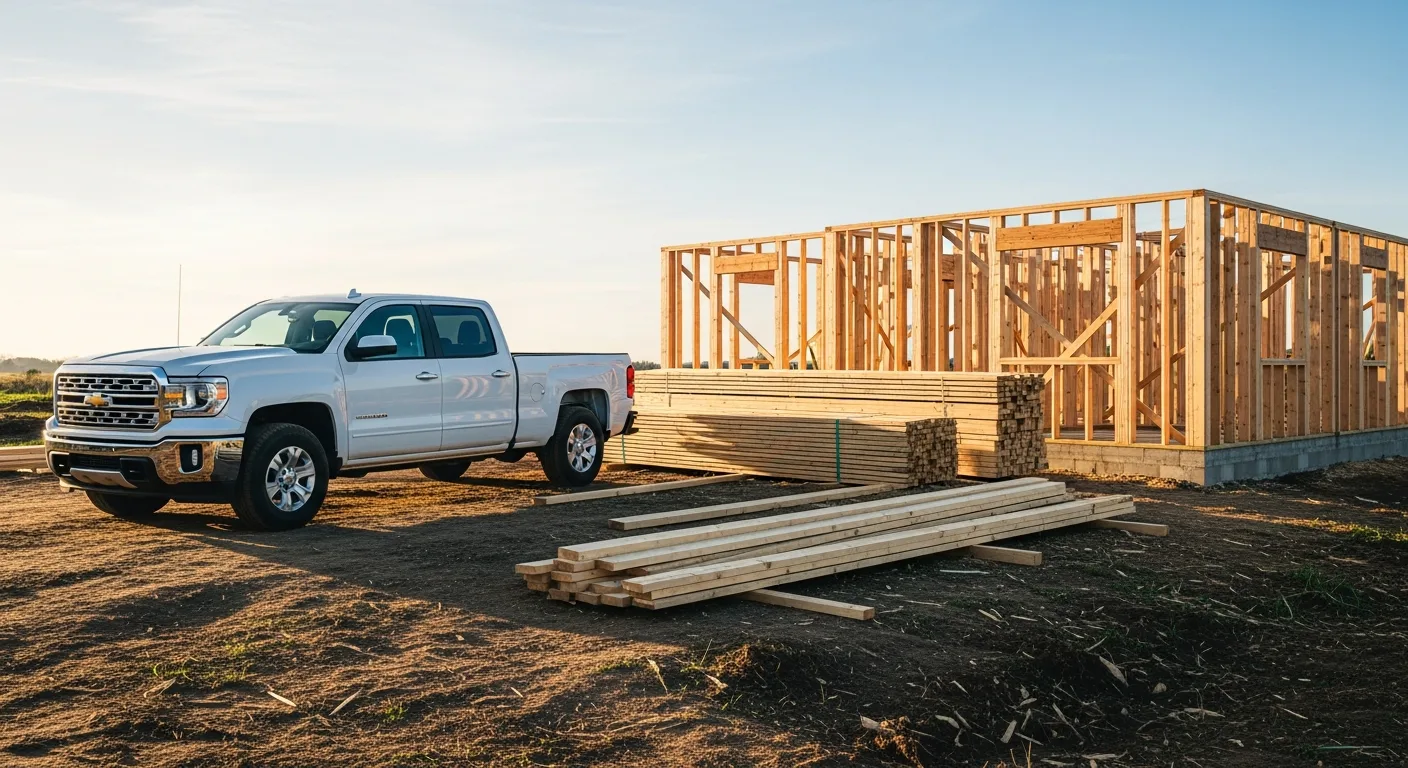
Starting a construction company is exciting. It’s also overwhelming, especially when you realize how many software options are out there trying to get your credit card number.
You’ve got platforms promising to handle everything from takeoffs to time tracking to tax filing. Some of them cost more per month than your first truck payment. And most of them are built for companies ten times your size.
Here’s the truth: you don’t need all of it. Not yet. What you need is the right foundation, software that helps you bid jobs, schedule work, communicate with clients, and get paid. Everything else can wait.
This guide breaks down exactly what new construction companies should look for in software, what to avoid, and how to set yourself up so you’re not ripping everything out and starting over in two years.
The Biggest Mistake New Contractors Make with Software
Most new contractors fall into one of two traps.
Trap one: buying too much. You sign up for a platform designed for $50M general contractors because the sales rep made it sound perfect. Three months later, you’re using 10% of the features and paying for 100% of them. Your crew hates it because the learning curve is brutal, and you’re spending more time fighting the software than running jobs.
Trap two: buying nothing. You figure you’ll just use spreadsheets, text messages, and a filing cabinet. This works for your first few jobs. Then you forget to invoice a client, lose track of a change order, or double-book your crew. By the time you realize you need a system, you’re already behind.
The sweet spot is somewhere in the middle. You want software that fits where you are today but can grow with you over the next few years.
What “Construction Software” Actually Means
When people say “construction software,” they could be talking about a dozen different things. Let’s break down the categories so you know what you’re looking at.
Project management covers job scheduling, task assignments, daily logs, and progress tracking. This is the core of running jobs.
Estimating is where you build proposals and calculate costs for potential work. Good estimating tools let you save templates, pull from price databases, and convert estimates into active projects.
CRM (Customer Relationship Management) tracks your leads, follow-ups, and client history. For new companies, this keeps prospects from falling through the cracks.
Invoicing and payments handles billing clients, tracking what’s been paid, and chasing what hasn’t. Some platforms include this, others expect you to use QuickBooks or a similar tool.
Time tracking records crew hours, ties them to specific jobs, and feeds into payroll. If you have employees from day one, this matters immediately.
Document management stores contracts, plans, photos, permits, and change orders in one place. Beats the shoebox method.
Some platforms bundle all of these together. Others specialize in one or two areas. For a new company, a bundled platform usually makes the most sense because you get one login, one bill, and everything talks to each other.
Features That Actually Matter on Day One
Let’s get specific. Here are the features that earn their keep from your first project.
Fast, Accurate Estimating
This is number one. Your estimates are how you win work and make money. If you’re spending three hours building each proposal in Excel, you’re losing time you could spend on the job site or finding more work.
Look for software that lets you:
- Build estimates from templates or past jobs
- Adjust material and labor costs quickly
- Add line items, markups, and taxes without a math degree
- Send professional-looking proposals to clients
- Track which estimates are pending, won, or lost
The faster you can turn around accurate estimates, the more bids you can submit, and the more work you’ll win.
Simple Scheduling
You don’t need a Gantt chart that looks like it belongs at NASA. You need to know what’s happening this week, who’s doing it, and what’s coming up next.
For a small crew, a visual calendar or drag-and-drop schedule is plenty. You should be able to assign tasks to crew members, set dates, and see everything in one view without clicking through fifteen screens.
Client Communication
How you communicate with clients sets you apart from every other contractor who ghosts people for three weeks between updates. Software with a client portal or built-in messaging lets you share updates, photos, schedules, and documents without playing phone tag.
This is one of those features that doesn’t seem critical until you land your first client who expects regular updates. Then it’s everything.
Invoicing That Gets You Paid
Cash flow kills more new construction companies than bad work does. Your software should let you create invoices from completed work, send them to clients electronically, and track payment status.
Bonus points if the platform supports online payments. The easier you make it for clients to pay, the faster money hits your account.
Mobile Access
You’re not sitting at a desk all day. Your software needs to work on a phone or tablet at the job site. This means checking schedules, logging time, taking photos, updating progress, and sending messages from wherever you are.
If the mobile experience is clunky or limited, you won’t use it. And software you don’t use is just a monthly expense.
Features You Can Skip for Now
This is where new contractors save real money. These features are valuable, but they solve problems you probably don’t have yet.
Advanced Resource Management
Tools that track equipment utilization, manage a fleet of vehicles, or plan resource allocation across twenty simultaneous projects are overkill. When you have two trucks and one crew, you know where everything is.
Complex Cost Coding
Detailed cost codes and job costing breakdowns matter when you’re running dozens of projects and need to analyze profitability across categories. When you’re starting out, simple job-level tracking is enough.
Bid Package Distribution
Platforms that let you send bid packages to subcontractor networks and manage the qualification process are built for general contractors running large commercial work. If you’re a specialty contractor or small residential builder, you won’t need this for a while.
Multi-Company Management
Some software supports managing multiple business entities, separate P&Ls, and cross-company resource sharing. Unless you’re planning to launch three LLCs in your first year, pass on this.
Enterprise Reporting
Dashboards with forty widgets and reports that take an MBA to interpret aren’t helping you right now. You need to know: Am I making money? Are jobs on schedule? Who owes me? That’s it.
How to Evaluate Software Without Wasting a Week
Every platform has a slick website and a sales team that will happily spend an hour on a demo. Here’s how to cut through the noise and figure out what actually works for you.
Start with Your Pain Points
Before you look at any software, write down the three things that are eating the most time or causing the most headaches. Maybe it’s building estimates. Maybe it’s tracking who’s working where. Maybe it’s chasing payments.
Whatever those three things are, that’s what your software needs to solve first. Everything else is bonus.
Do the Free Trial with a Real Project
Don’t just click around the demo environment. Use the trial to run an actual job, even a small one. Build a real estimate, create a real schedule, send a real invoice. You’ll learn more in one real project than in ten demo walkthroughs.
Ask About Onboarding
Some platforms throw you a link to their knowledge base and wish you luck. Others give you a dedicated onboarding specialist who helps you set everything up. When you’re new to both construction software and running a business, that support matters.
Check the Contract Terms
Monthly billing gives you flexibility to switch if things aren’t working. Annual contracts save money but lock you in. For a new company, monthly billing is usually worth the small premium because your needs might change fast in the first year.
Talk to Other Contractors
Not the testimonials on the website. Actual contractors in your trade and market. Ask what they use, what they like, what drives them crazy. Online forums, local association meetings, and trade groups are good places to get honest opinions.
Setting Up Your Software the Right Way
Once you’ve picked a platform, how you set it up determines whether it becomes part of your daily workflow or just another app you forget about.
Keep It Simple at First
Don’t try to configure every setting and customize every field on day one. Set up the basics: your company info, services, standard pricing, and crew members. Use the default settings for everything else and adjust as you learn what works.
Build Your First Templates
Create one good estimate template for your most common job type. One. Not twenty. Get that template dialed in, use it for a few projects, and refine it. Then build your second template. This approach keeps you from spending a week on setup that you’ll redo anyway.
Get Your Crew on Board
If you have employees, get them using the software from day one. Show them how to clock in, check their schedule, and log daily notes. The longer you wait to involve your crew, the harder the adoption will be.
Connect Your Accounting
Link your construction software to QuickBooks, Xero, or whatever you’re using for bookkeeping. This single integration saves hours of double-entry and keeps your books accurate without extra effort.
The Real Cost of Waiting
Some new contractors figure they’ll “get organized later” once they have more work. Here’s what that actually looks like.
You win more jobs than expected. Great. But now you’re tracking five projects on a whiteboard, sending estimates from three different templates you threw together, and texting schedule updates to clients who keep asking for email confirmations.
A client disputes a change order. You know you discussed it, but you can’t find the text thread because it’s buried in your personal phone. Your crew shows up at the wrong address because the schedule change was on a sticky note that fell off the dashboard.
None of these are catastrophic on their own. But they add up. They cost you money, they cost you time, and they cost you the professional reputation you’re trying to build.
Getting your systems in place early, even basic ones, means you’re ready when growth hits instead of scrambling to catch up.
Scaling Up Without Starting Over
The best software choice for a new company is one that grows with you. Here’s what that looks like in practice.
Tiered pricing means you start on a basic plan and upgrade as you need more features. You’re not paying for stuff you don’t use, but it’s there when you need it.
User-based scaling lets you add team members without switching platforms. As you hire, you just add seats.
Feature modules that you can turn on when ready, like advanced reporting, resource planning, or subcontractor management, mean the platform adapts to your business instead of the other way around.
Data continuity means your job history, client records, templates, and financial data carry forward as you grow. You’re building on a foundation, not rebuilding from scratch every time you level up.
Why Projul Works for New Construction Companies
We built Projul for contractors who want to run their business from one platform without needing a computer science degree or a Fortune 500 budget.
For new companies, that means you get the features that matter right now: estimating, scheduling, CRM, invoicing, and client communication. Everything works on mobile. Setup takes hours, not weeks. And our onboarding team actually helps you get up and running, not just hands you a manual.
As you grow, Projul grows with you. Add crew members, turn on features, and upgrade your plan when you’re ready. Your data stays intact, your templates get better over time, and you never have to start over on a new platform.
We know what it’s like to start small and grow. That’s exactly who we built this for.
Getting Started the Smart Way
Here’s your simple plan for getting construction software right as a new company:
- Identify your top three pain points. What’s costing you time, money, or professionalism right now?
- Pick a platform that solves those three things well. Ignore everything else for now.
- Run a real project through the free trial. Don’t just kick the tires. Actually use it.
- Set up the basics and start using it immediately. Don’t wait for the “perfect” configuration.
- Get your crew involved from day one. Even if it’s just you and one helper.
- Review after 90 days. What’s working? What needs adjusting? Make changes based on real experience, not assumptions.
The companies that get their systems right early are the ones that grow smoothly. The ones that put it off are the ones that hit a wall at ten employees and spend six months trying to dig out.
You’re building a construction company. Build it on a solid foundation, and that includes the software you run it on.
Frequently Asked Questions
How much should a new construction company spend on software?
Do I need construction software if I only have a few projects at a time?
What's the most important feature for a brand new contractor?
Should I use free construction software to start?
Can I switch software later without losing my data?
Do I need separate software for accounting and project management?
How long does it take to set up construction software?
What construction software features can I skip when starting out?
Related Articles

BIM Clash Detection: How to Catch Conflicts Before They Cost You on the Jobsite
BIM Clash Detection: How to Catch Conflicts Before They Cost You on the Jobsite Every contractor has a story about the...
Read More →
Asphalt Paving and Compaction Guide: Mix Types, Laydown Temperatures, and Quality Testing
Asphalt paving looks straightforward from a distance. A truck dumps material, the paver lays it down, and rollers...
Read More →
Construction Jobsite Wi-Fi & Connectivity Guide: Setting Up Reliable Internet in the Field
A practical guide to getting reliable internet on construction job sites. Learn about cellular hotspots, mesh networks,...
Read More →